
There is an issue with refreshing the user’s access to the RushFiles storage account added in Microsoft apps on iOS.
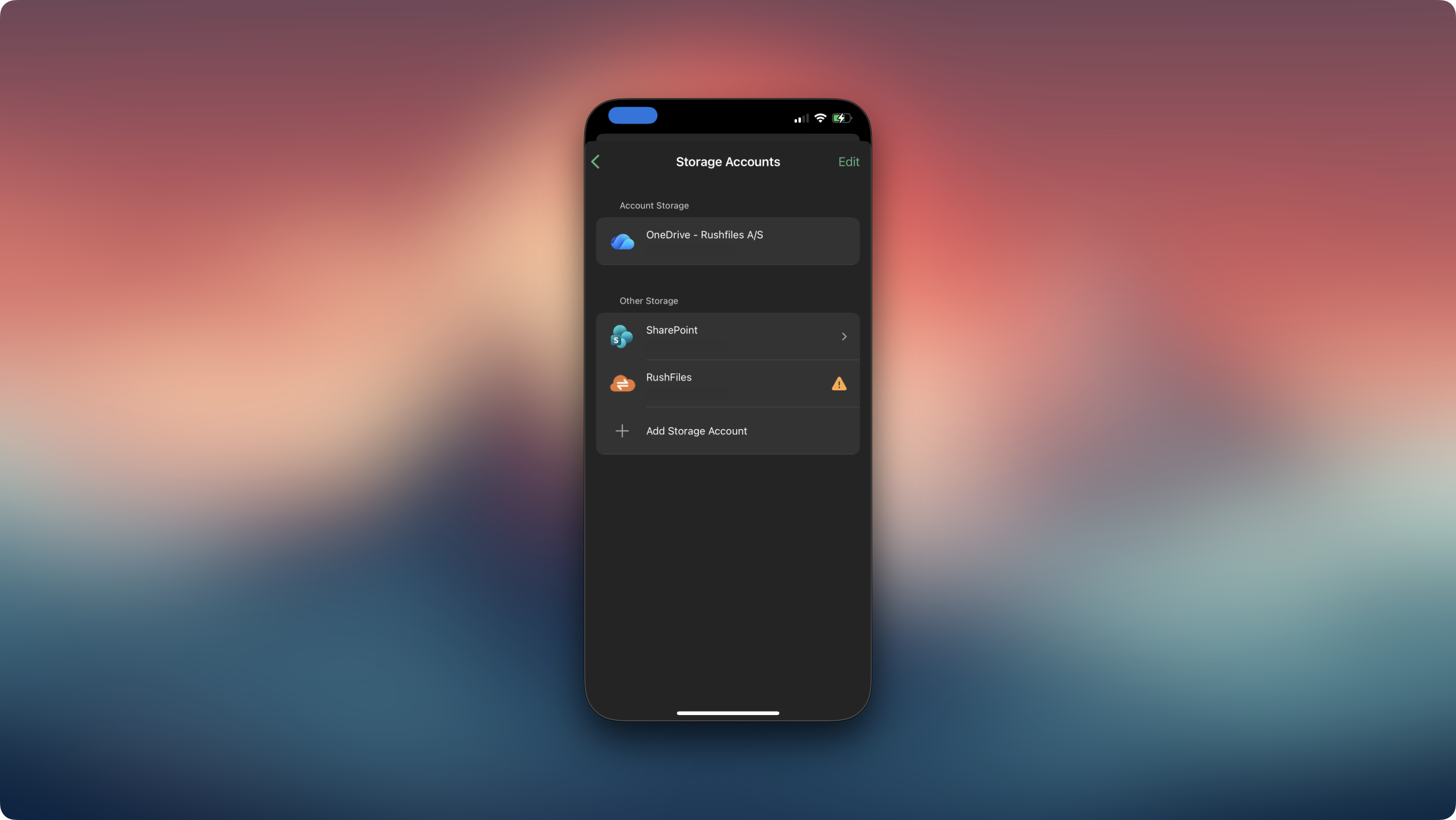
Users may observe the following behavior:
After 24 hours, the user is prompted to log in again when accessing a file.
After entering their credentials, the login screen shows as “in progress” briefly, but does not log the user in or return them to the app.
The login screen cannot be cancelled.
Please follow the steps below:
Attempt to log in as prompted.
Force quit the Microsoft app (Word, Excel, or PowerPoint) by swiping it upwards from the App Switcher view.
Open the Microsoft app again.
Navigate to a file and tap it to trigger the login screen again.
Log in - the login should now work as expected.
We are currently investigating this issue and working on a resolution. We will provide an update once more information becomes available.
Users, please contact the reseller for assistance. Each reseller manages its own company accounts and provides support for access, configuration, and troubleshooting.
Partners and resellers, please contact the RushFiles Support team by submitting a new ticket at: Submit New Support Ticket