
Users can easily view their account information directly from the Left Panel of the Windows app.
This section displays key details about the user’s RushFiles account, including:
- First and last name
- Email address associated with the account
- Primary company account the user belongs to
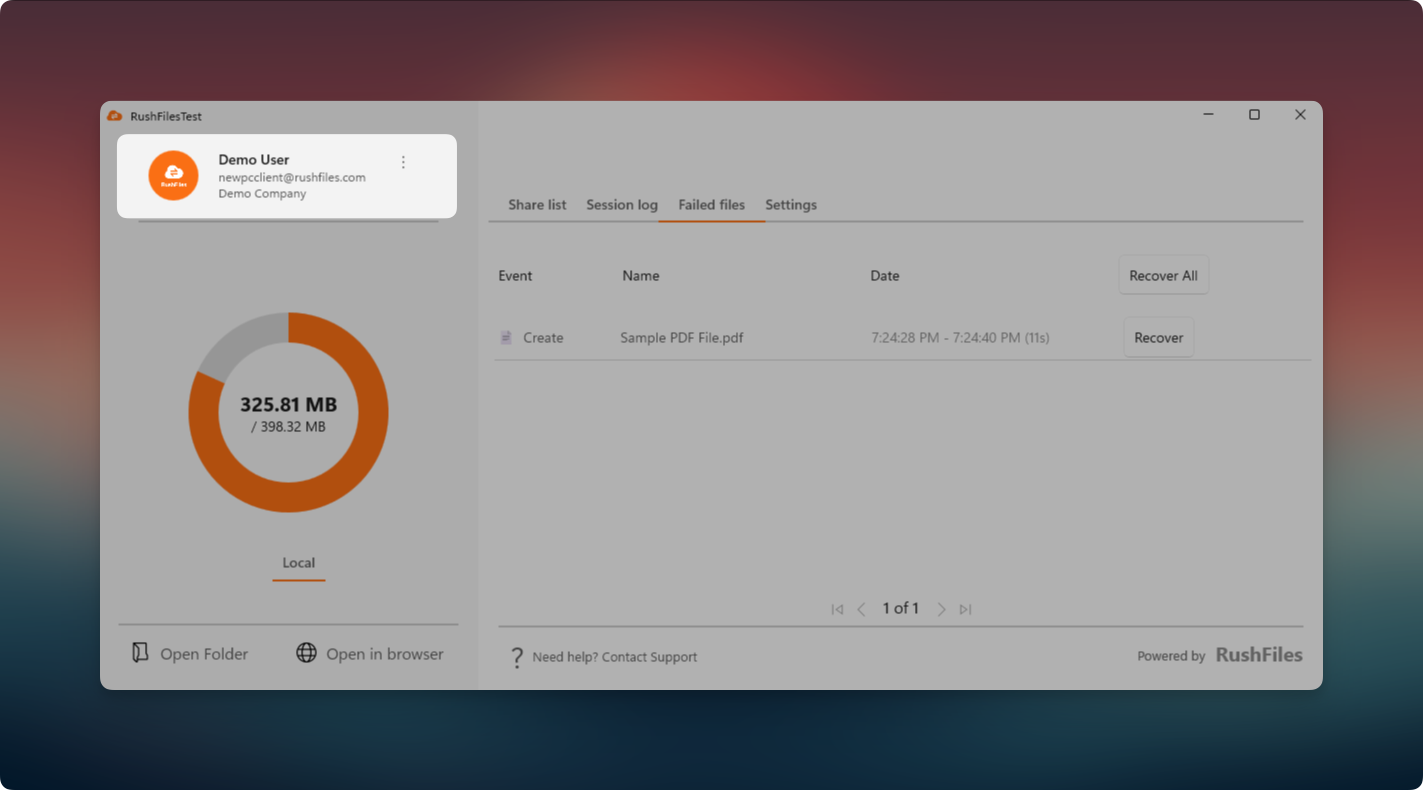
This information helps the user quickly verify which account is currently logged in, especially when working across multiple environments or company setups.
If the user needs to update any of these details, changes must be changed online via the Web app.
Notes:
The email address cannot be changed or updated.
The primary company is the first company where the user account was initially registered. If this needs to be changed, please contact the reseller for assistance.
Users, please contact the reseller for assistance. Each reseller manages its own company accounts and provides support for access, configuration, and troubleshooting.
For Partners and resellers, please contact the RushFiles Support team by submitting a new ticket at: Submit New Support Ticket