
Windows App is a redesigned native desktop application that gives users direct access to their files and shares from a Windows computer. Built with performance and stability in mind, this new app offers a smoother, faster, and more intuitive experience compared to its predecessor.
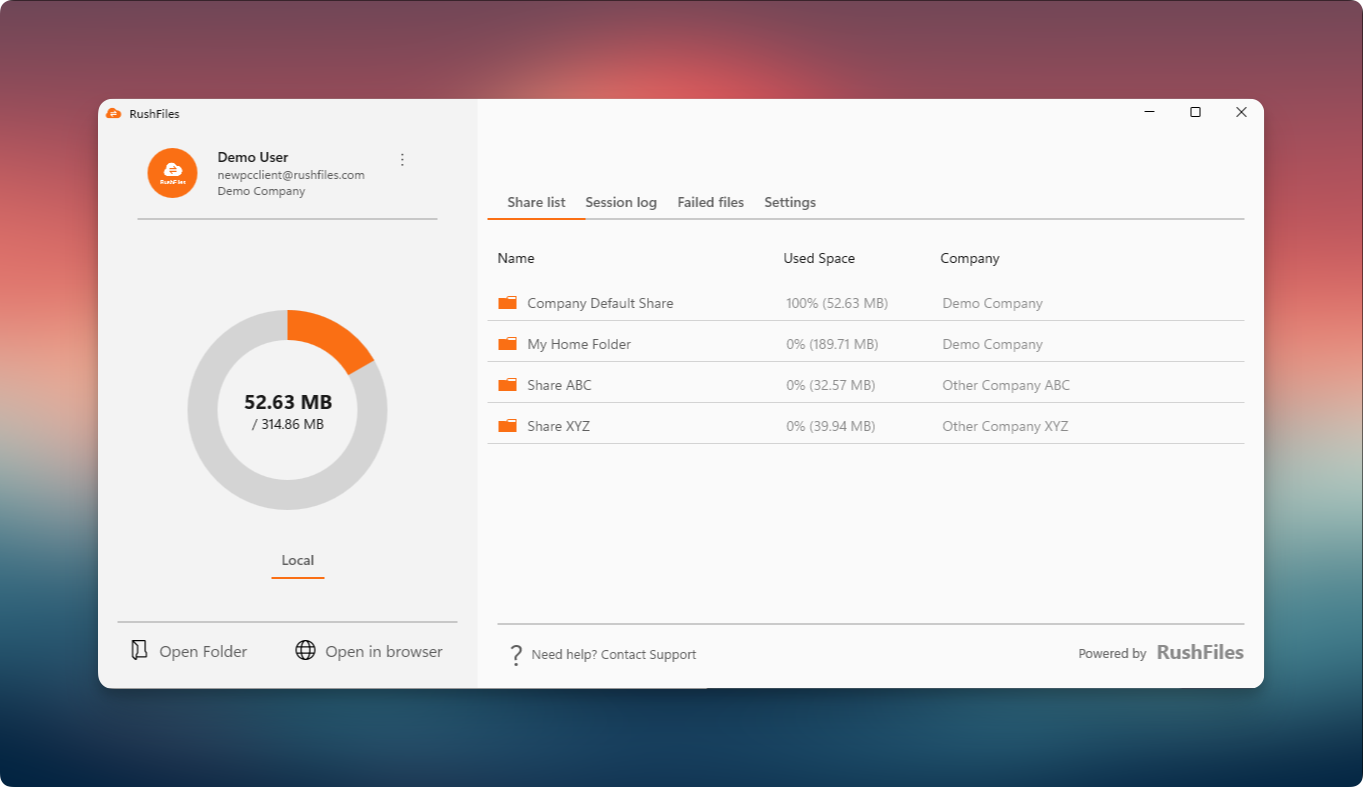
Users can upload, sync, and manage files securely while maintaining full visibility of storage usage and recent activities.
Version 3 was designed based on user feedback. Here’s a quick overview of what’s new and improved:
Improved reliability – A new sync engine for better handling of large files and bulk operations.
Sync folder – A local sync folder replaces the virtual drive.
Better resource management – Uses less system resources than its predecessor. Share capacity no longer depends on available memory.
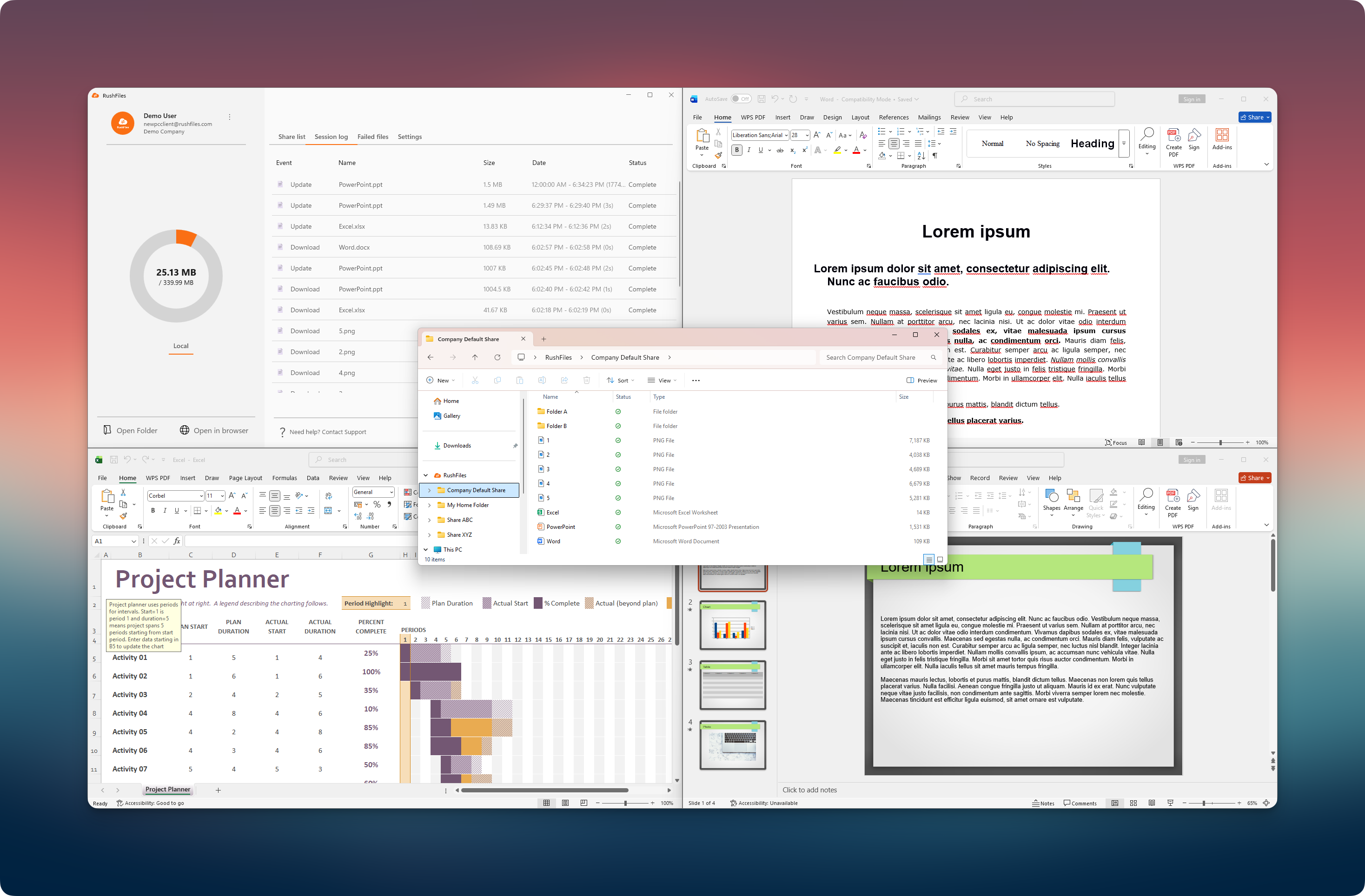
Deeper integration with Explorer – Enables native file status icons and additional context menu options.
Modern interface – A refreshed design available in Default, Light, and Dark modes. The Default mode automatically follows the system’s appearance settings (Light or Dark).
Simplified layout – All key functions are now accessible through four main tabs:
Share list – Displays company shares, storage usage, and access folders.
Session log – Shows file activity such as uploads, downloads, and changes.
Failed files – Lists files that did not sync successfully and allows recovery.
Settings – Lets users customize language, theme, and sync preferences.
Monitor window – Provides better visibility of file sync progress and errors. Partially replaces file messages.
Export logs – Simplifies log export for troubleshooting and support.
Supported Operating Systems:
Windows 10
Windows 11
System Architecture:
64-bit (x64)
Required Components:
To run the Windows App, the following Microsoft components must be installed:Microsoft Windows Desktop Runtime (.NET Desktop Runtime 8.0.20 or later)
Microsoft ASP.NET Core Shared Framework (version 8.0.20 or later)
For further guidance, see the related articles below:
Users, please contact the reseller for assistance. Each reseller manages its own company accounts and provides support for access, configuration, and troubleshooting.
Partners and resellers, please contact the RushFiles Support team by submitting a new ticket at: Submit New Support Ticket