
Manage Admins
The Manage Admins section is a feature available under Reseller Mode. It displays a list of admin users who have access to the specific Reseller account they are associated with.
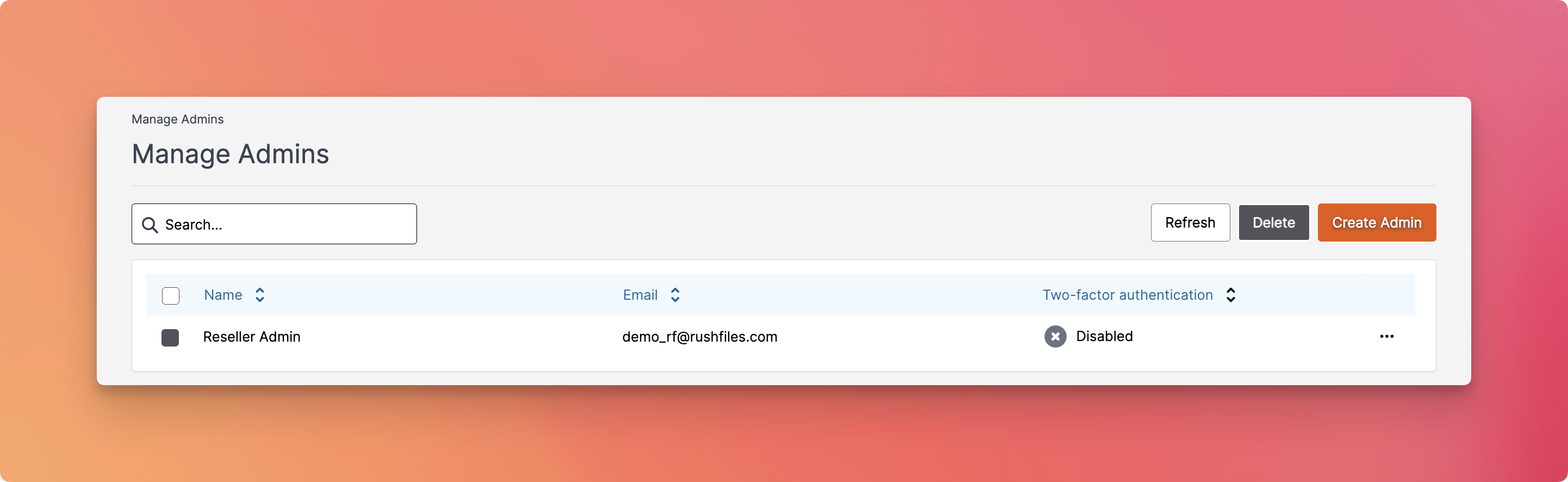
Admin List Overview
Each row in the admin list shows:
- Name: The name of the admin (e.g., “Reseller Admin”).
- Email: The email address associated with the admin account.
- Two-factor authentication: Indicates whether 2FA is enabled or disabled for that user.
Available Options
From this section, the Reseller Admin can perform the following actions:
- Search – Use the search bar to quickly find admin users by name or email.
- Create Admin: Add a new admin account to the Reseller portal.
- Edit Admin:
- Update first and last names.
- Reset password or resend the invitation.
- Edit two-factor authentication - Delete Admin: Remove an existing admin from the Reseller account.
- Refresh: Click this button to update the list with the most recent data from the server.
Contact Support
Please contact your top reseller or organization's administrator if you have questions or need help with the service.