
Overview
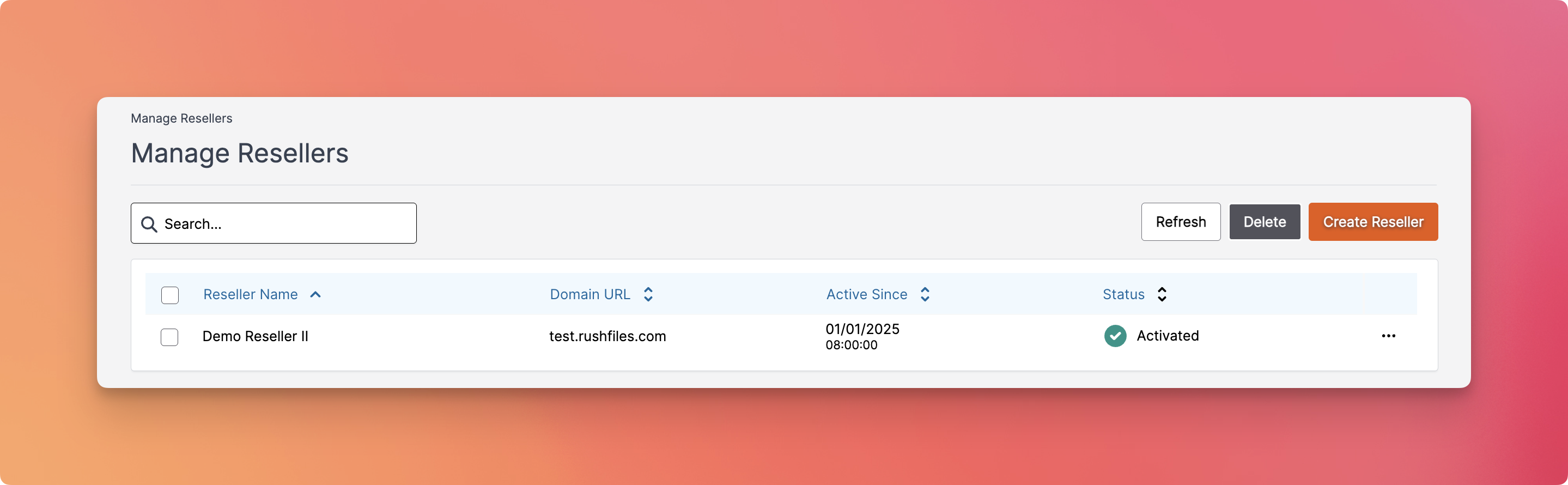
The Manage Resellers menu displays a list of all reseller accounts created within your RushFiles instance. From here, you can:
- View reseller details such as name, domain URL, activation date, and status
- Create a new reseller account
- Edit a reseller account
- Delete existing resellers (if applicable)
- Refresh the list to show the most up-to-date data
Fields and Actions
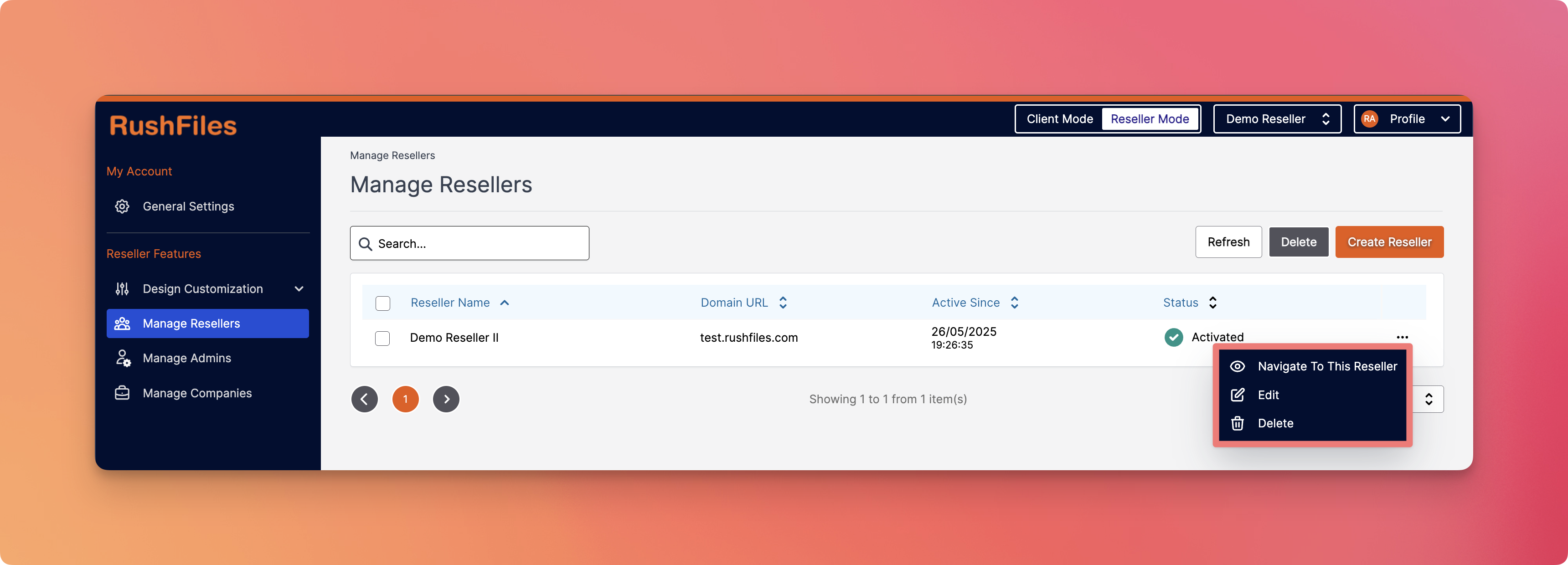
This section allows Reseller Admin to edit, navigate, delete, and shows details about your e.g., Sub-Resellers.
| Field | Description |
Reseller Name | Displays the name of the reseller |
| Domain URL | Shows the associated domain the reseller uses to access the portal |
| Active Since | Indicates when the reseller account was activated, including date and time |
| Status | Displays whether the reseller is currently Activated or Deactivated |
Available Options

- Create Reseller - Opens the form to add a new reseller account. You’ll need to provide key details such as the domain, name, and other configuration info.
- Delete - Allows you to remove a selected reseller from the system.
- Refresh - Reloads the reseller list to reflect any changes made.
Contact Support
Please contact your top reseller or organization's administrator if you have questions or need help with the service.