
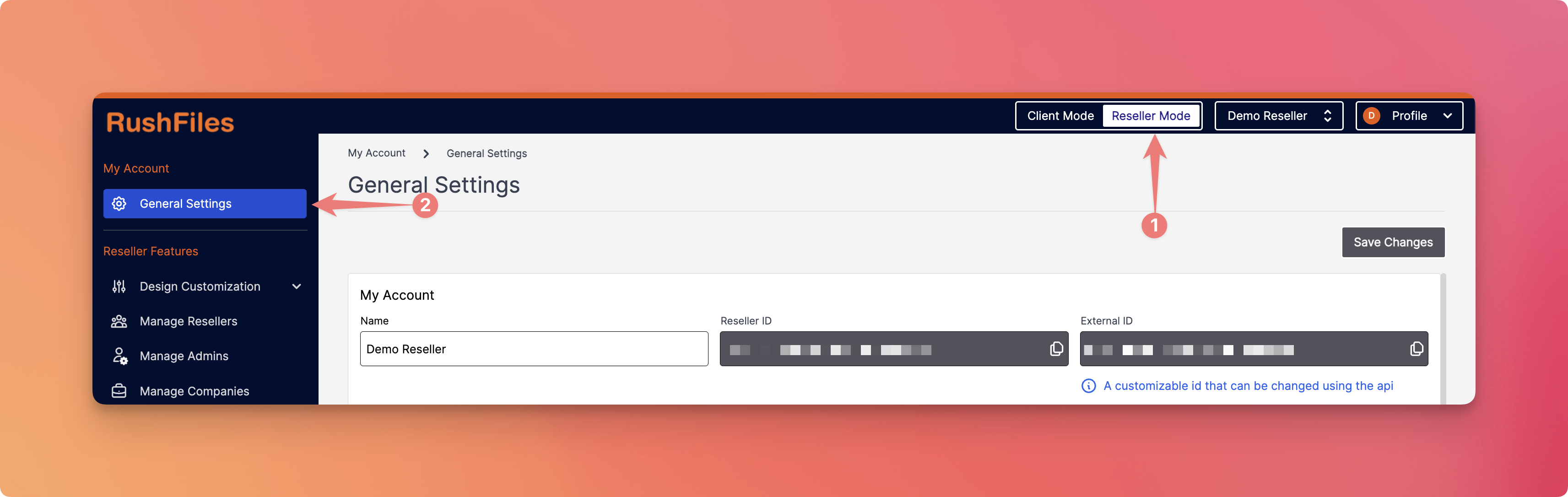
The General Settings page allows resellers to configure account-level defaults for Microsoft 365 integrations, security settings, API access, and support URLs. This can be accessed in the Reseller Mode.
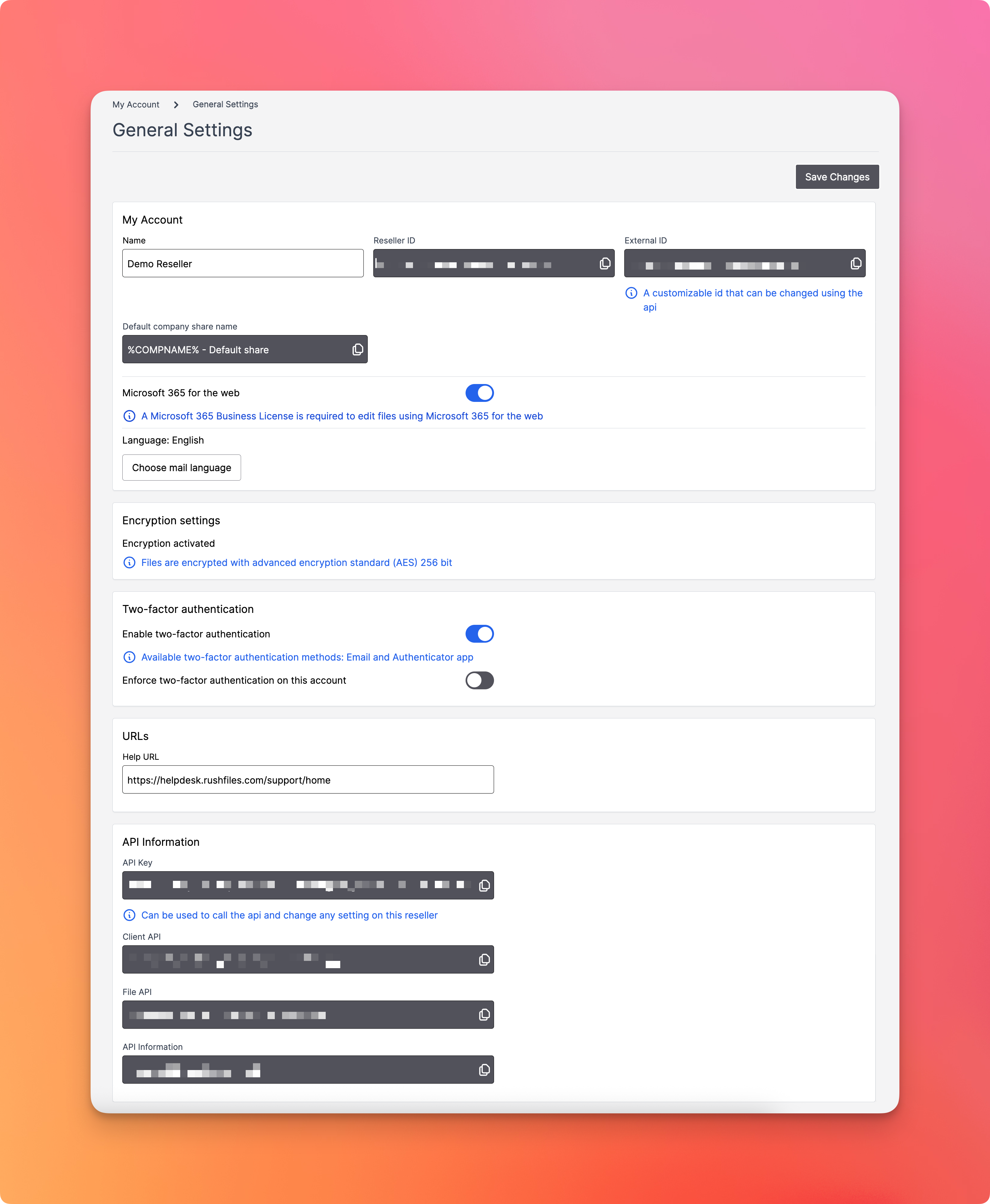
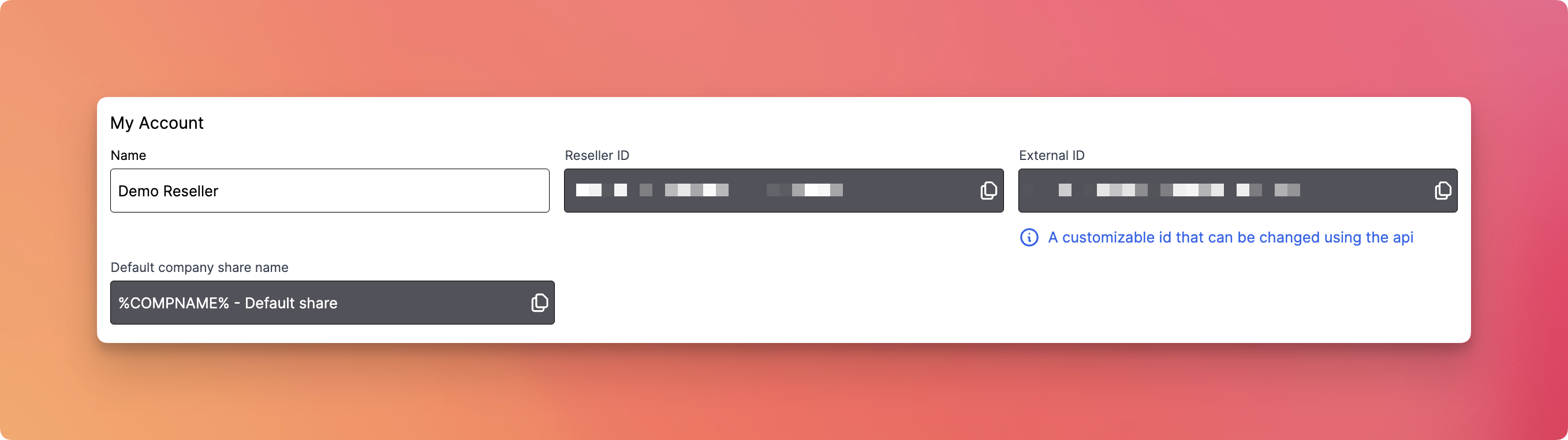
- Name: Displays the reseller’s name (e.g., “Demo Reseller”).
- Reseller ID: A system-generated unique identifier (not editable).
- External ID: A customizable identifier that can be changed via API.
Tip: Use the External ID field for easier integration tracking with third-party platforms. - Default Company Share Name: %COMPANAME% - Default share is the system token to standardize company share naming conventions.
This section allows Reseller Admin to enable or disable Microsoft 365 file editing for all company accounts under their management.

- If disabled, none of the company accounts under the reseller will be able to use this feature.
- A banner will be displayed to all company users saying: “Microsoft 365 for the web has been disabled by your reseller.”
- Even if a company has the appropriate license, the feature will not work unless it is enabled at the reseller level.
This section allows the Reseller Admin to define the default UI and email language for all company accounts under their reseller profile.

- If not set or left unchanged, the system defaults will be used (usually English).
- If a specific language is chosen here, it becomes the default for new company accounts under this reseller.
- Company Admins can still override this at the company level, but this setting ensures consistency across newly created accounts.
This section allows the Reseller Admin to enable or disable two-factor authentication for users across all company accounts under their reseller profile.
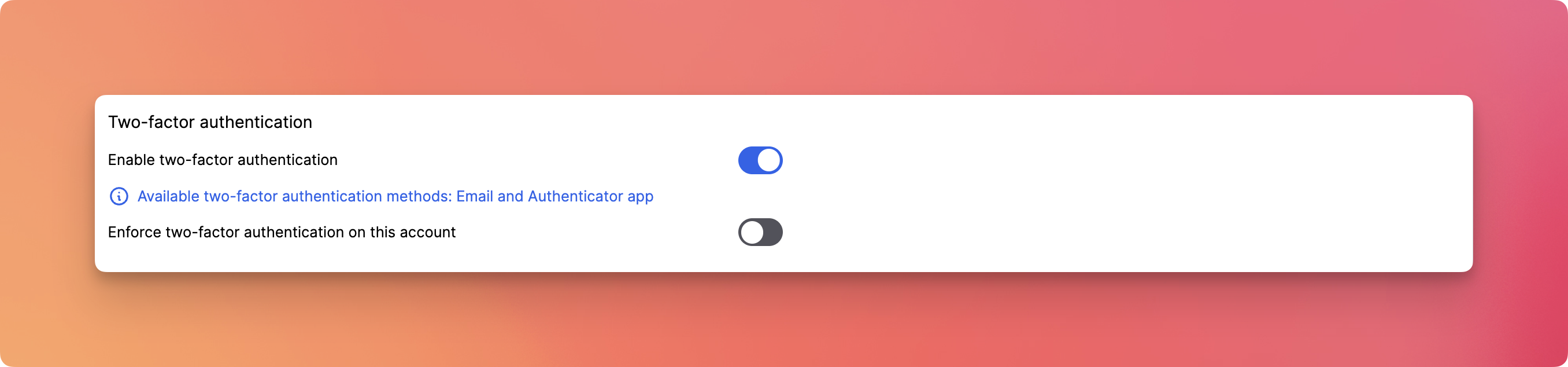
- If enabled, 2FA becomes available as an option for users within all companies.
- If disabled, no users (regardless of company settings) will be able to use 2FA, and it will not appear as an option during login or profile setup.
- Optionally, you can enforce 2FA across the entire reseller account by toggling “Enforce two-factor authentication on this account”. This will require all users under the reseller (and its company accounts) to configure and use 2FA during login.
This section allows the Reseller Admin to add or remove help or support portal link as default for users within all companies.
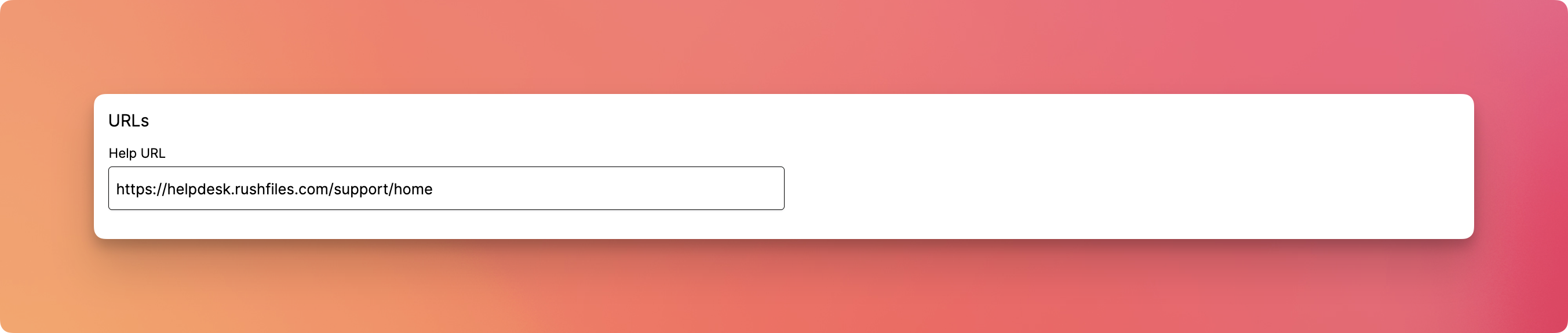
- Help URL: Field to customize the help/support portal link visible to your users.
This section allows the Reseller Admin to view all API information associated with their Reseller account.
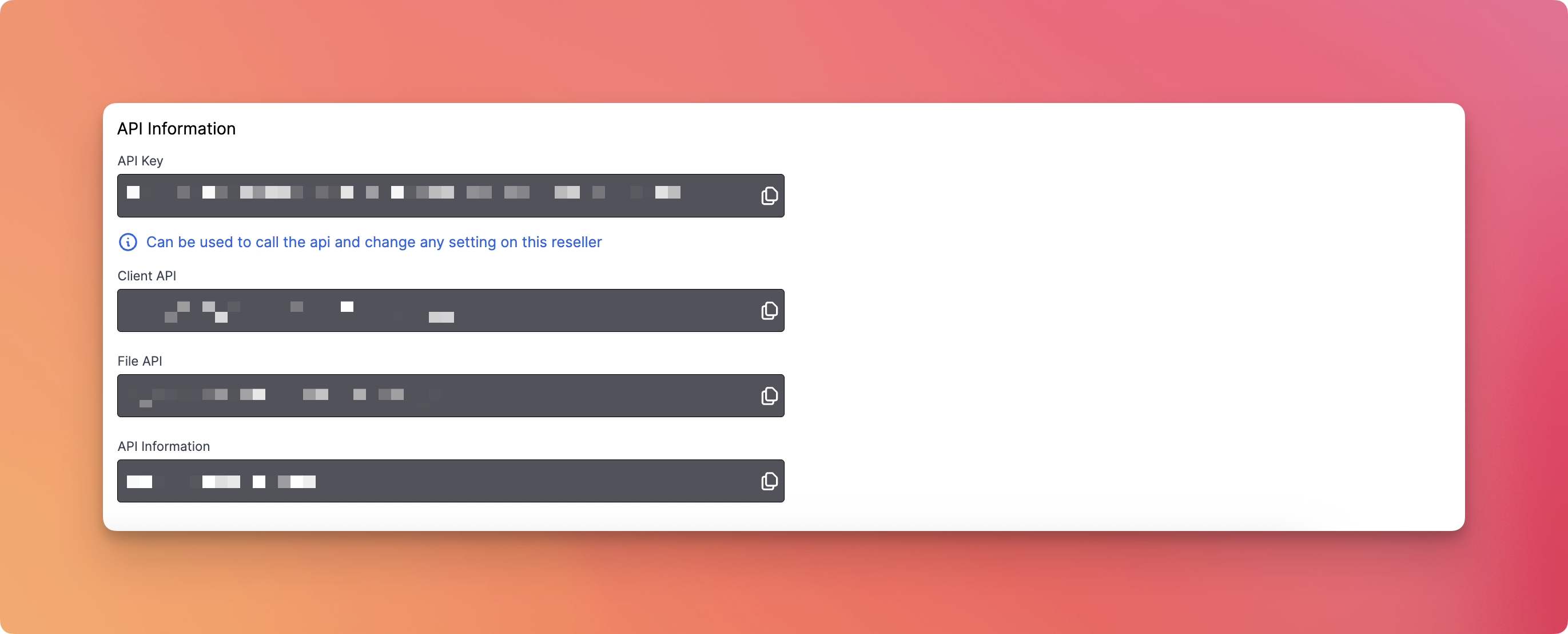
- API Key
- Client API Endpoint
- File API Endpoint
- API Documentation
Please contact your top reseller or organization's administrator if you have questions or need help with the service.